
The phone apps · Android, and iPhone soon
Your office extension, in your pocket
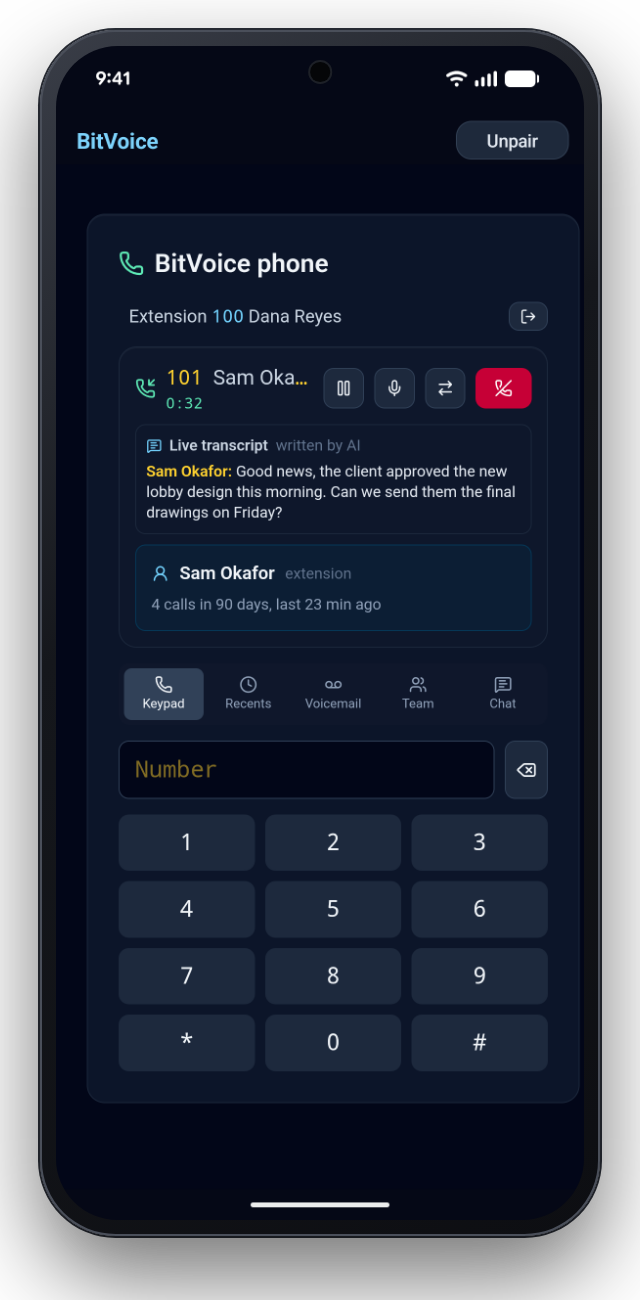
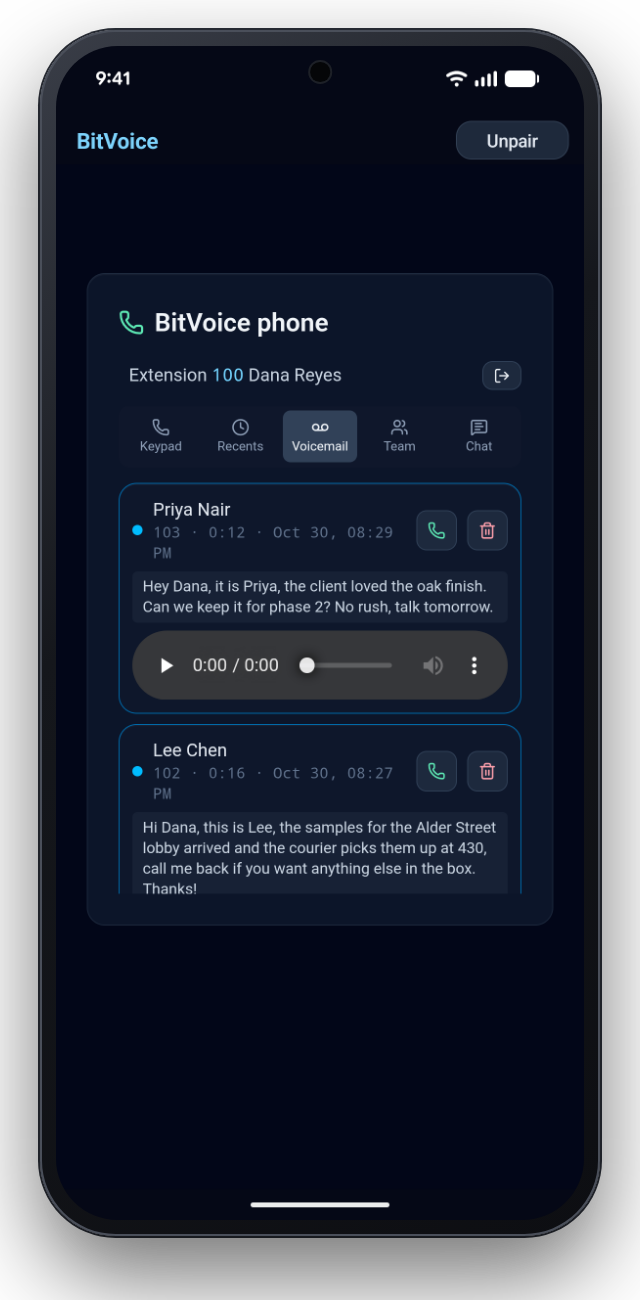
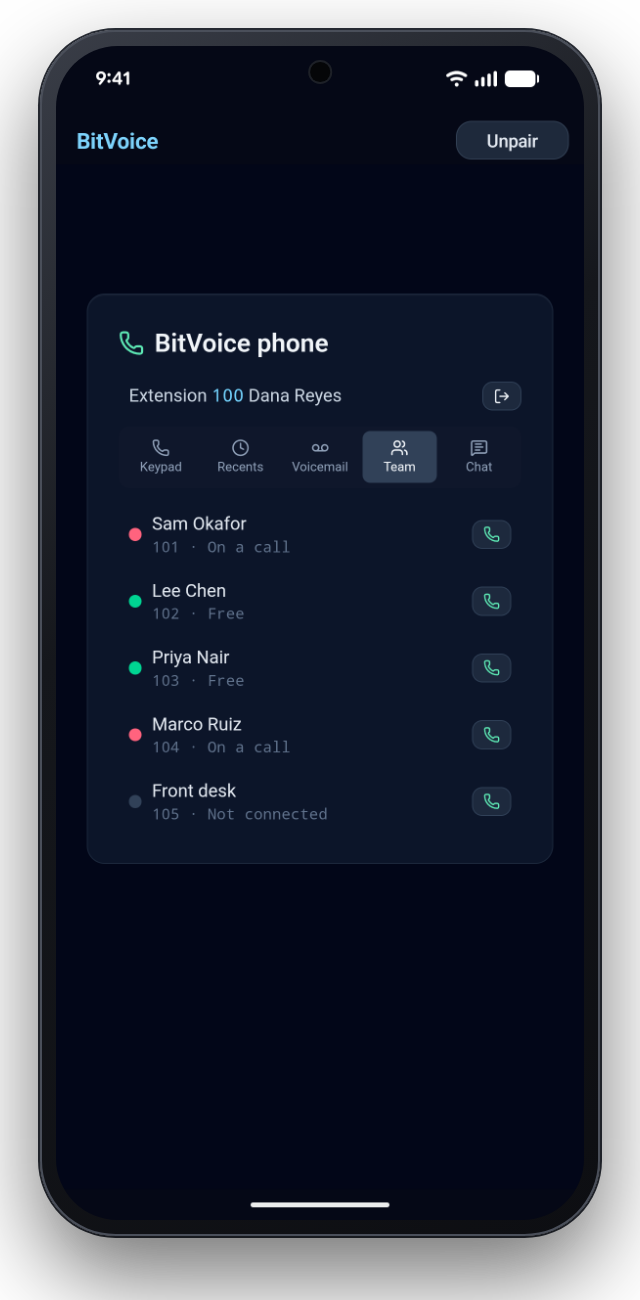
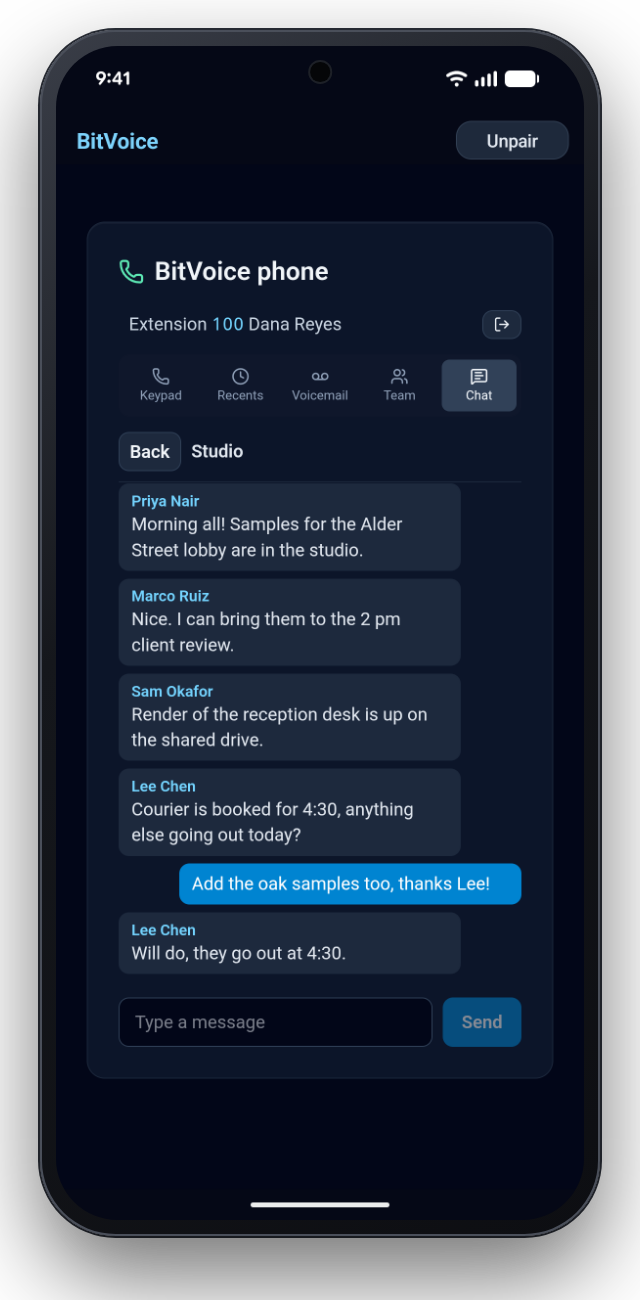
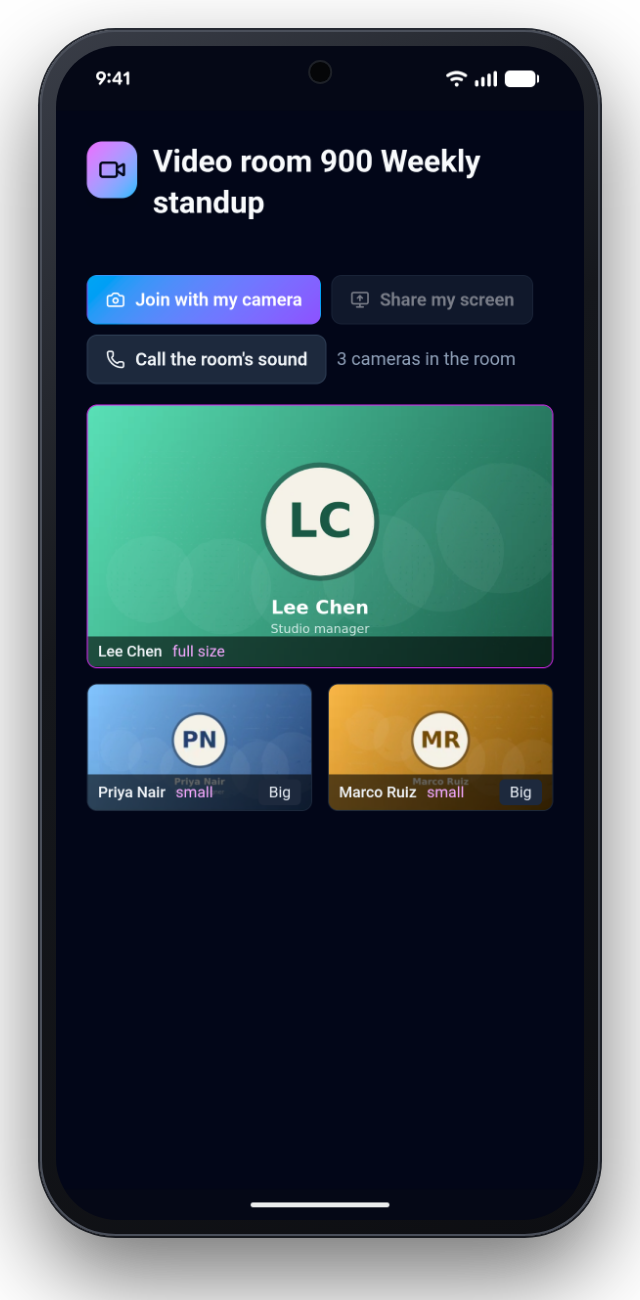
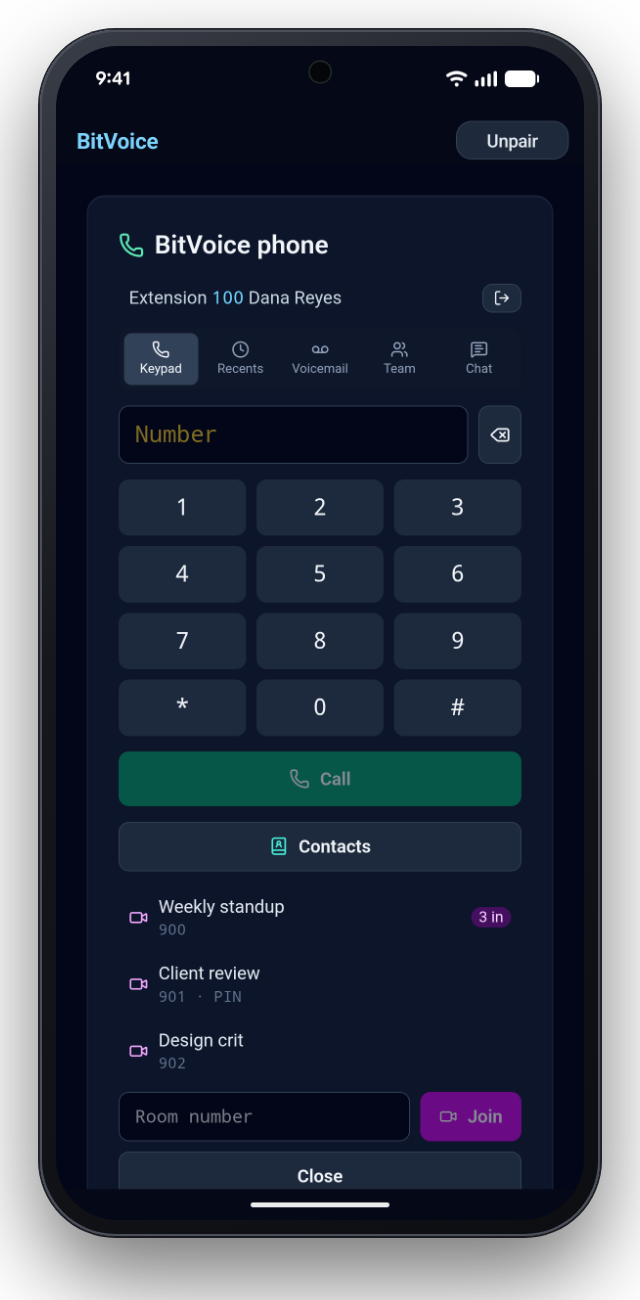
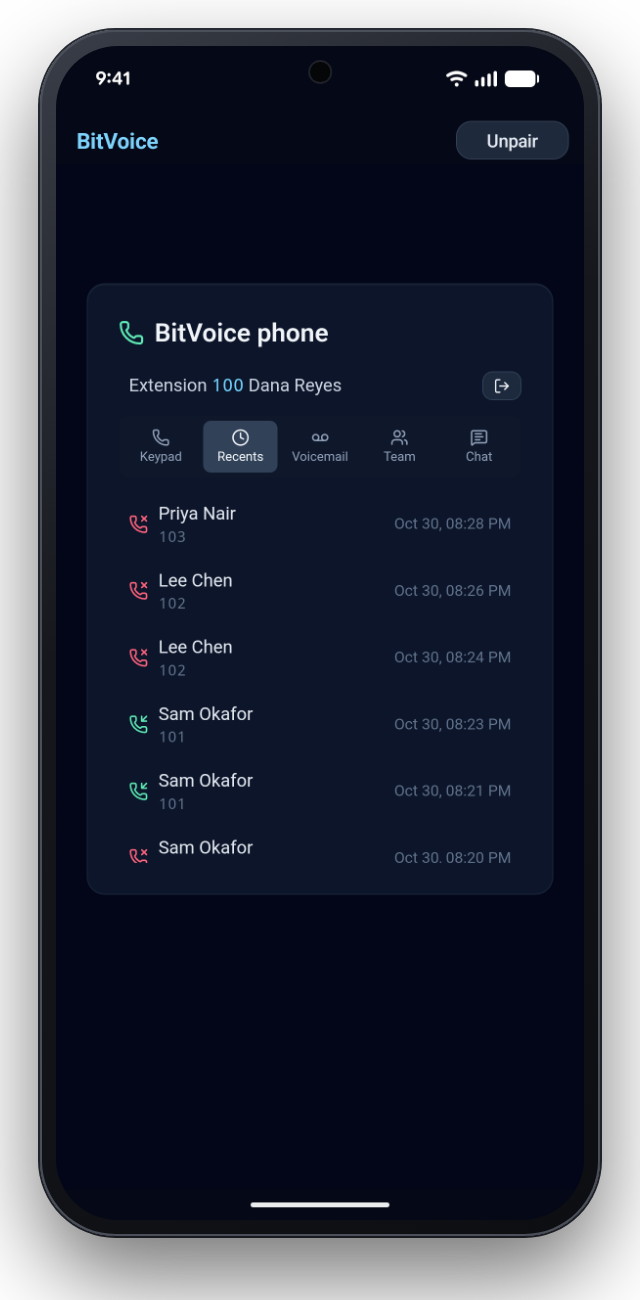
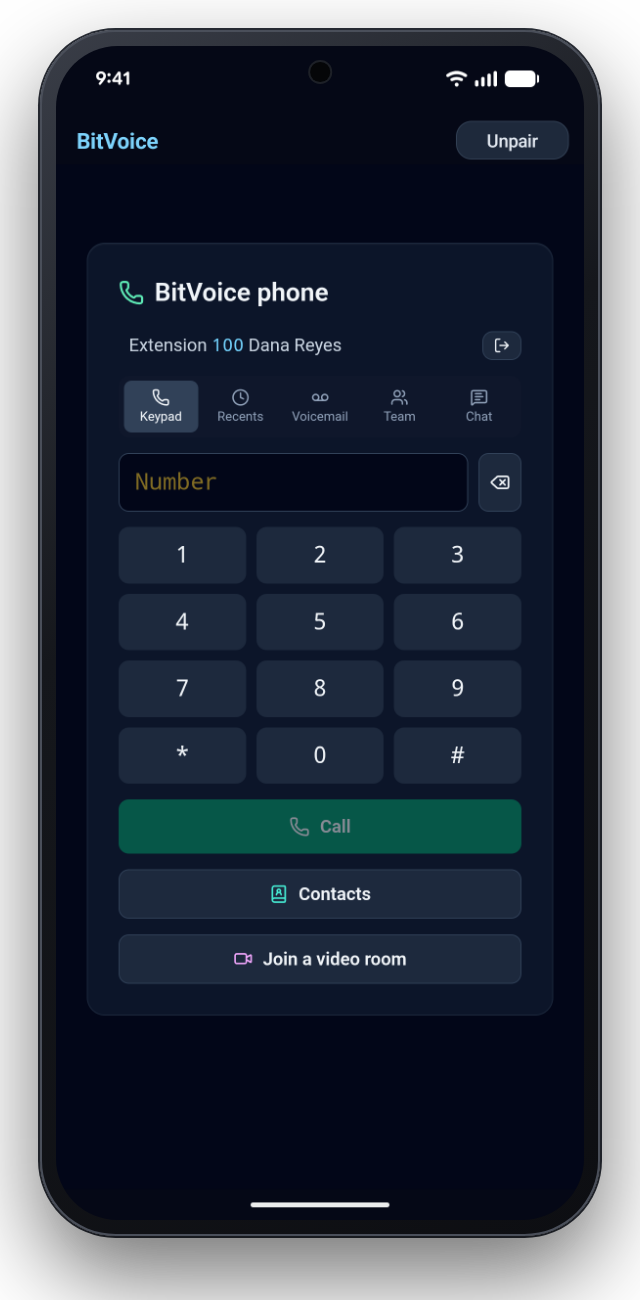
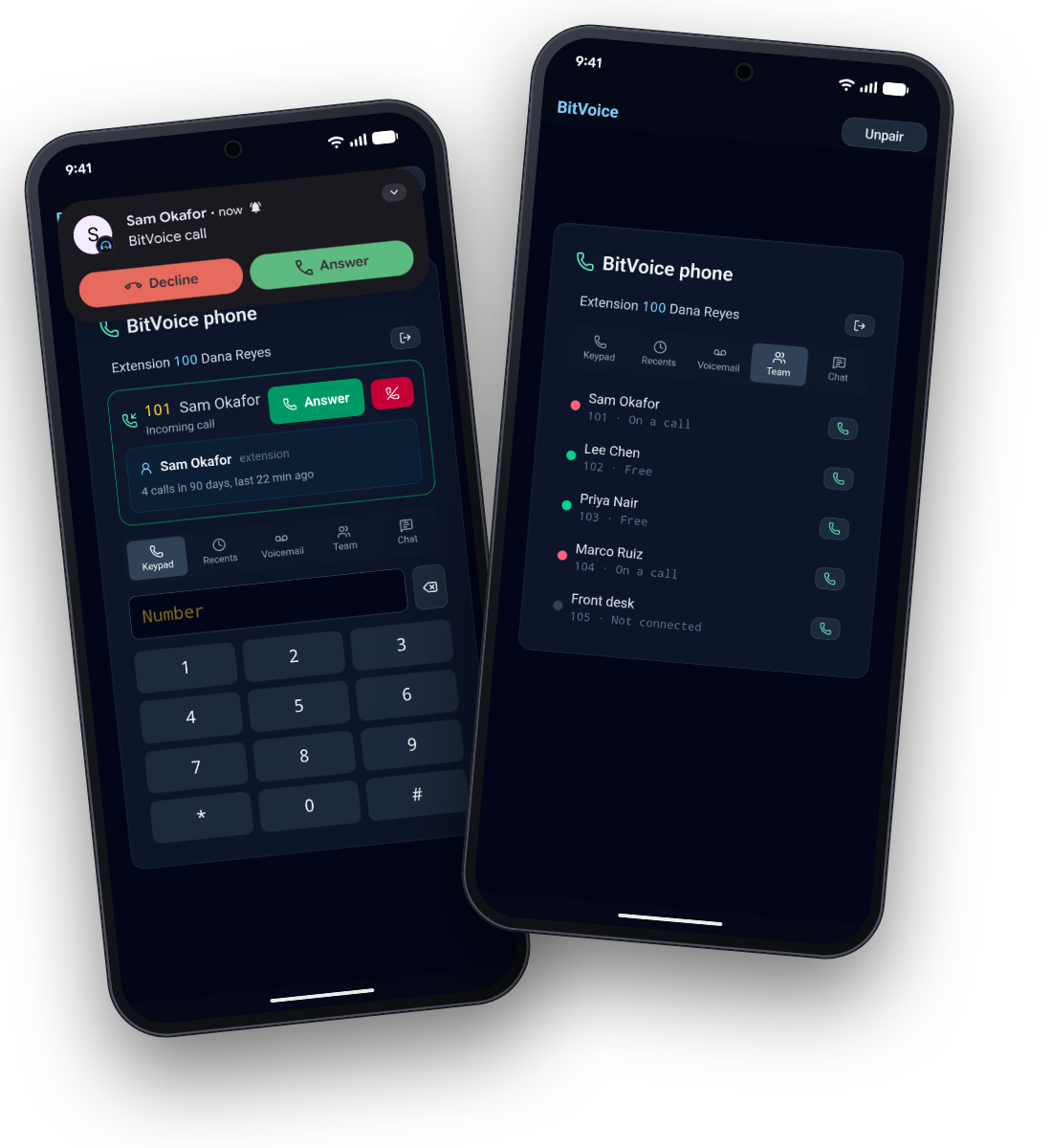
The BitVoice app makes a mobile phone one of an extension's phones. Calls ring on the phone's own call screen, and everything a desk phone does is there: transfer, hold, a second call, voicemail you can read, the team at a glance, staff chat and video rooms.
Free, like BitVoice. No account to make, no password to type: your administrator shows a code and you scan it. No advertising, analytics or tracking (privacy).
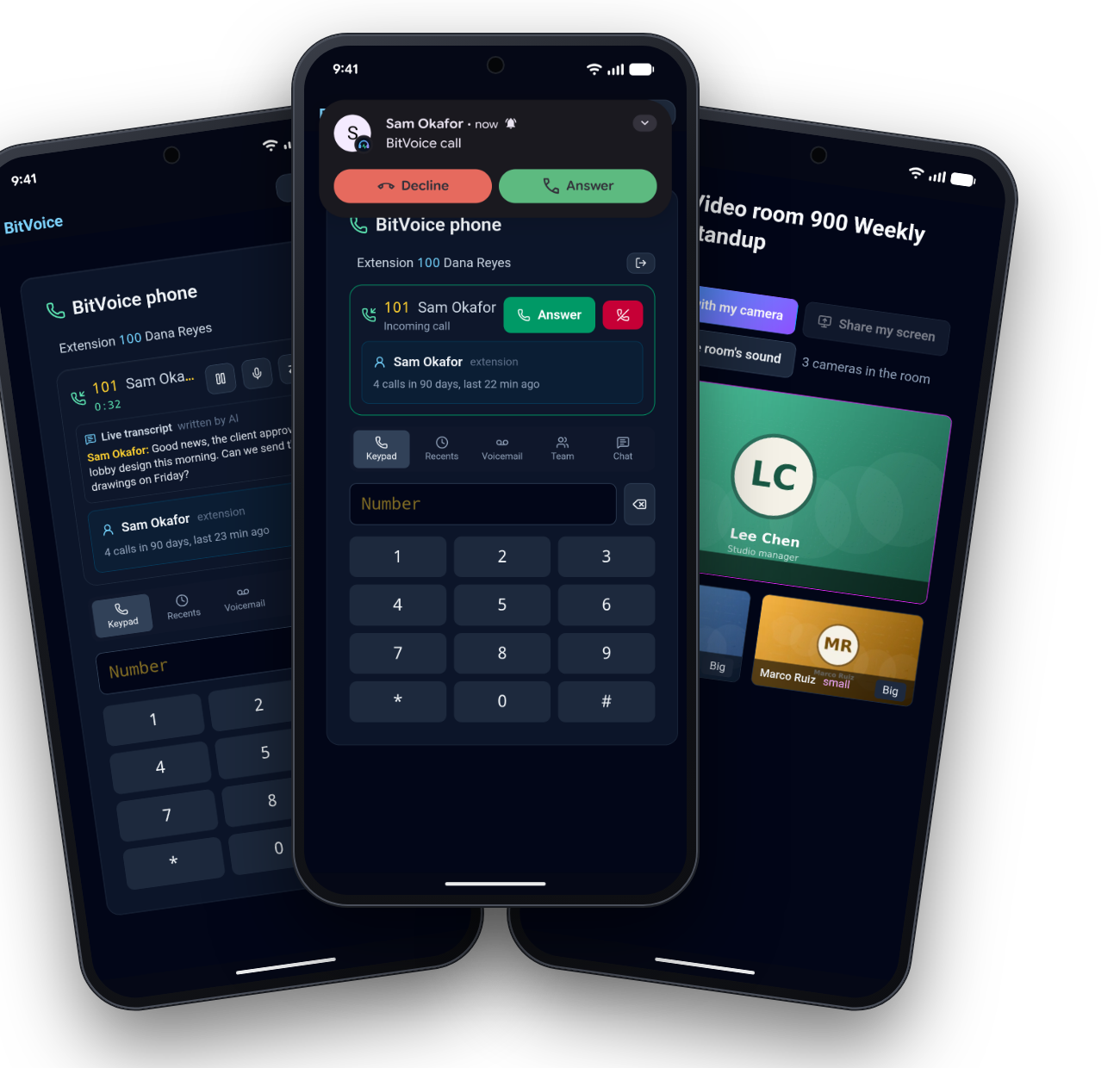
Every screen, from a real phone
A desk phone, and more
These are screenshots from a Google Pixel 8 running the release build of the Android app, connected to BitVoice on a cloud server. The business, people, calls and messages are invented.
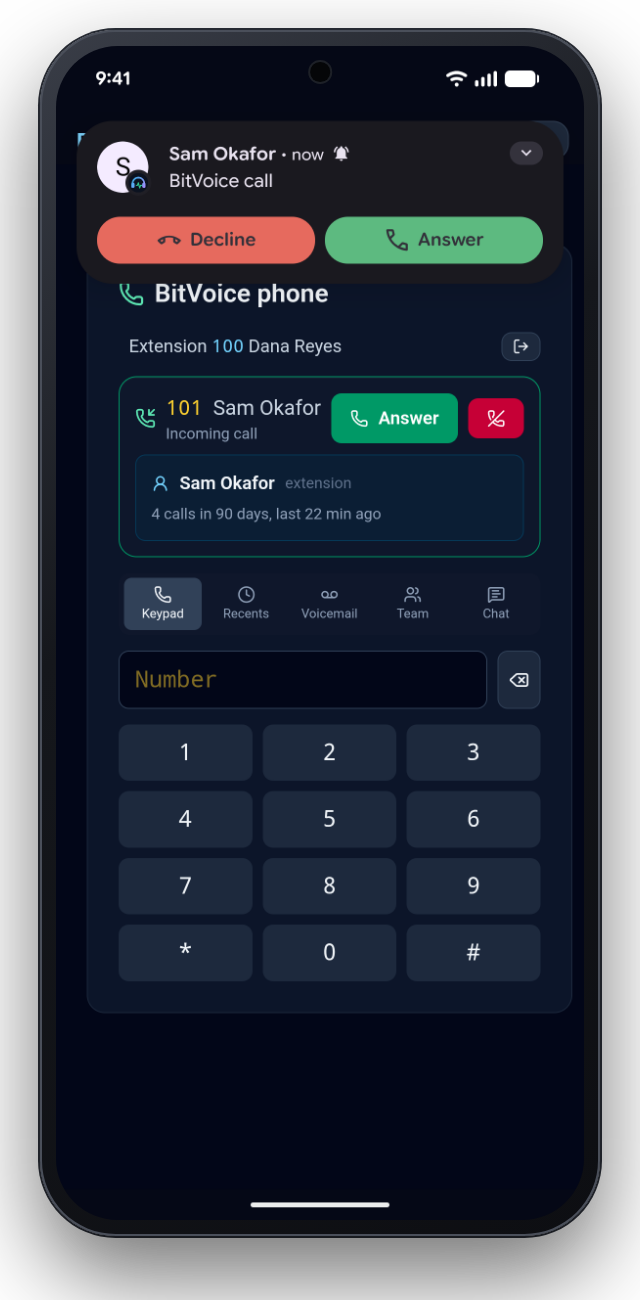
How it rings
Woken for calls, then straight to BitVoice
When a call comes in, BitVoice sends a push (Firebase on Android, Apple's VoIP push on iPhone) that carries only the call's ID, who is calling and your BitVoice's address. The phone shows the call on its own call screen and connects to your BitVoice for the sound. Ring groups and queues ring the app together with the extension's other phones. The Android app released today has no push yet: it rings while it is running, in the background too, and is not woken once Android closes it.
- Answer from the lock screen or a Bluetooth headset
- Calls you make go on the phone's call system too (Telecom, CallKit), so Bluetooth and the phone know of them
- Hold shows on the phone's call system, and on iPhone it works from the call screen too
- Calls keep going with the screen off or another app open
- Moving from Wi-Fi to mobile data keeps the call (ICE restart)
Android
Google Play
The app is going through Google's review now. Until it is listed, the signed app is attached to each BitVoice release.
- Android 10 and later
- Tested on a Pixel 8 (Android 16) and a Pixel 11 (Android 17)
iPhone
App Store, soon
The iPhone app (CallKit, Apple's VoIP push) is built and ready for the App Store. It has not been run on an iPhone yet: that, and the App Store listing, come next.
- iOS 16 and later
- The same screens as Android
Your administrator
Pair a phone
Open the extension in BitVoice, press Add a phone, and the person scans the code with the app. Unpair a lost phone from the same page and it stops ringing at once.
Run BitVoice, then pair your phone
The apps talk only to your organisation's BitVoice. Download it, follow the wizard, and add a phone to an extension.